James L. Bell Jr. · Residential & commercial IT

Technology that
works for you.

Start with an assessment. Get a clear recommendation and a quote shaped around your needs.

Residential and commercial IT services, backed by over 25 years in the business. From home computers and personal workstations to business systems and commercial accounts, Coach Bell starts with your needs.

Request an IT assessment ↗
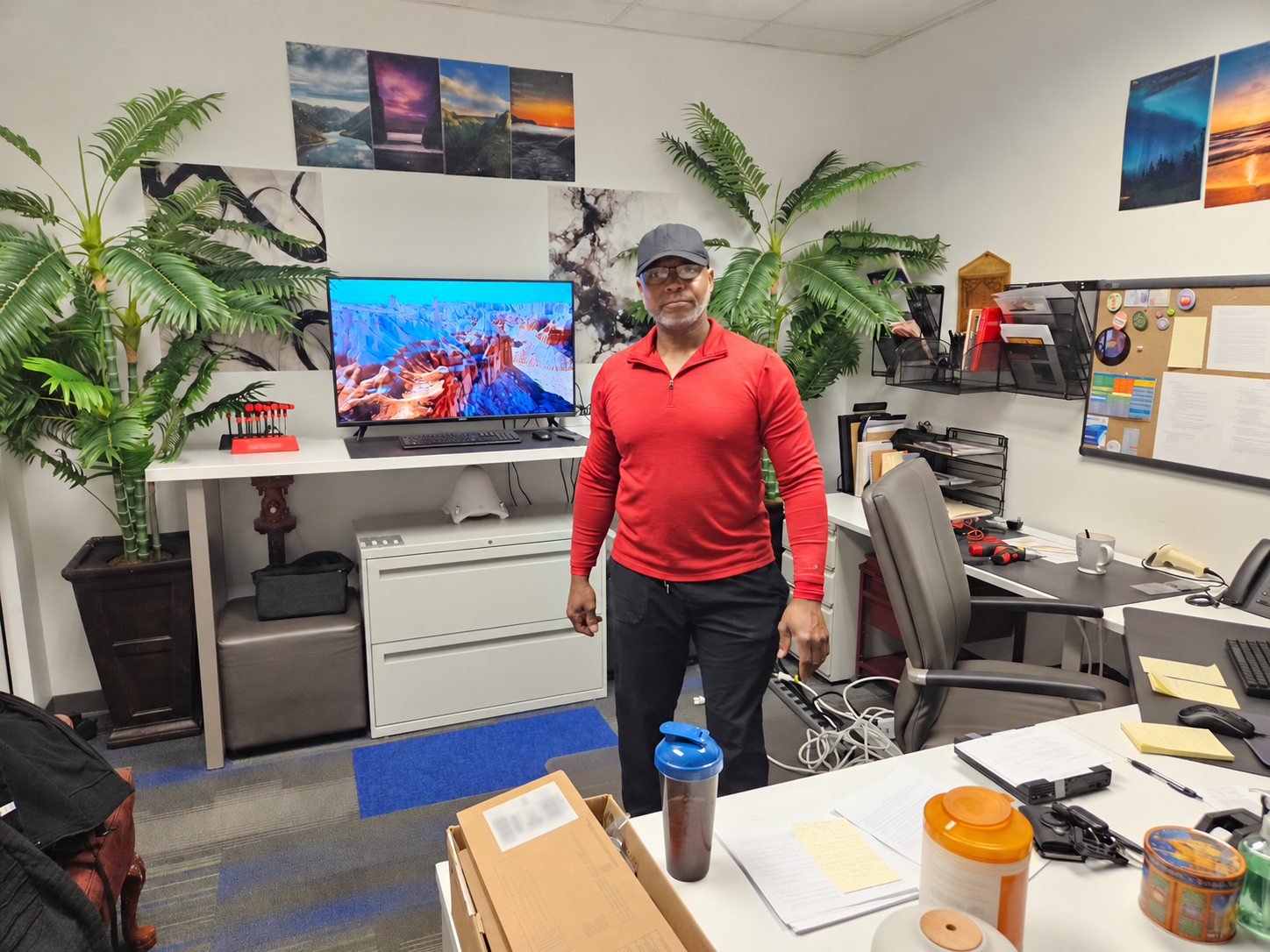
Coach Bell in an office environment with computers and technical equipment
Coach Bell brings a systems mindset to the workstation and the tennis court.
Over 25 years of IT experience

For your home.
For your business.

RESIDENTIAL CLIENTS

Support for the way
you live and work.

Help with home computers, remote troubleshooting, personal workstations, home-office setups, equipment selection, repairs and upgrades. Discuss what you use, what is getting in the way and what you want to improve.

Residential IT inquiry ↗
COMMERCIAL ACCOUNTS

Practical IT support
for your operation.

Assessment and support for business computers, workstations and systems, including equipment planning, upgrades, vendor coordination and technical projects. Ongoing support arrangements can be discussed as part of a custom scope.

Commercial IT inquiry ↗
Practical help. Defined scope.

Where can your setup
work better?

01 / IT SERVICESIT assessment illustration: computer diagnostics and a checklist

IT assessment

Start with what you have and what you need.

Review your current equipment, how you use it, recurring issues and the outcome you want. Coach Bell identifies priorities and recommends a practical scope of work. Any assessment fee is agreed before starting.

Ask Coach Bell about this service ↗
02 / IT SERVICESRemote support illustration: connected computer screens

Remote troubleshooting

Get help without moving your equipment.

Discuss computer performance, software issues, configuration and connectivity problems. Where the issue can be addressed remotely, Coach Bell arranges an authorized support session. Hardware faults may require on-site work or a separate repair.

Ask Coach Bell about this service ↗
03 / IT SERVICESWorkstation planning illustration: dual monitors and an organized desk

Custom workstation planning

Build a setup around your work.

Plan computers, monitors, peripherals and a computer desk arrangement suited to your tasks and available space. Discuss compatibility, connections, cable organization and room for future upgrades before buying.

Ask Coach Bell about this service ↗
04 / IT SERVICESEquipment selection illustration: laptop, monitor and approved shopping list

Equipment selection & ordering

Choose equipment with a purpose.

Get help comparing appropriate computers, monitors, storage and accessories against your needs and budget. Coach Bell can help you prepare an equipment list and coordinate ordering after you approve the items and costs.

Ask Coach Bell about this service ↗
05 / IT SERVICESRepairs and upgrades illustration: computer tower, memory and tools

Repairs, upgrades & setup

Make a clear decision about what comes next.

Assess whether repair, a component upgrade or replacement makes sense. Services can include memory and storage upgrades, system setup, software configuration and maintenance, based on the equipment and agreed scope.

Ask Coach Bell about this service ↗
06 / IT SERVICESBusiness IT illustration: connected office systems and a project framework

Business IT & project support

Give technical work a framework.

Discuss systems, networking, backup and recovery needs, vendor coordination, user training and technical project planning. Coach Bell brings experience in hands-on support, systems administration and project leadership.

Ask Coach Bell about this service ↗
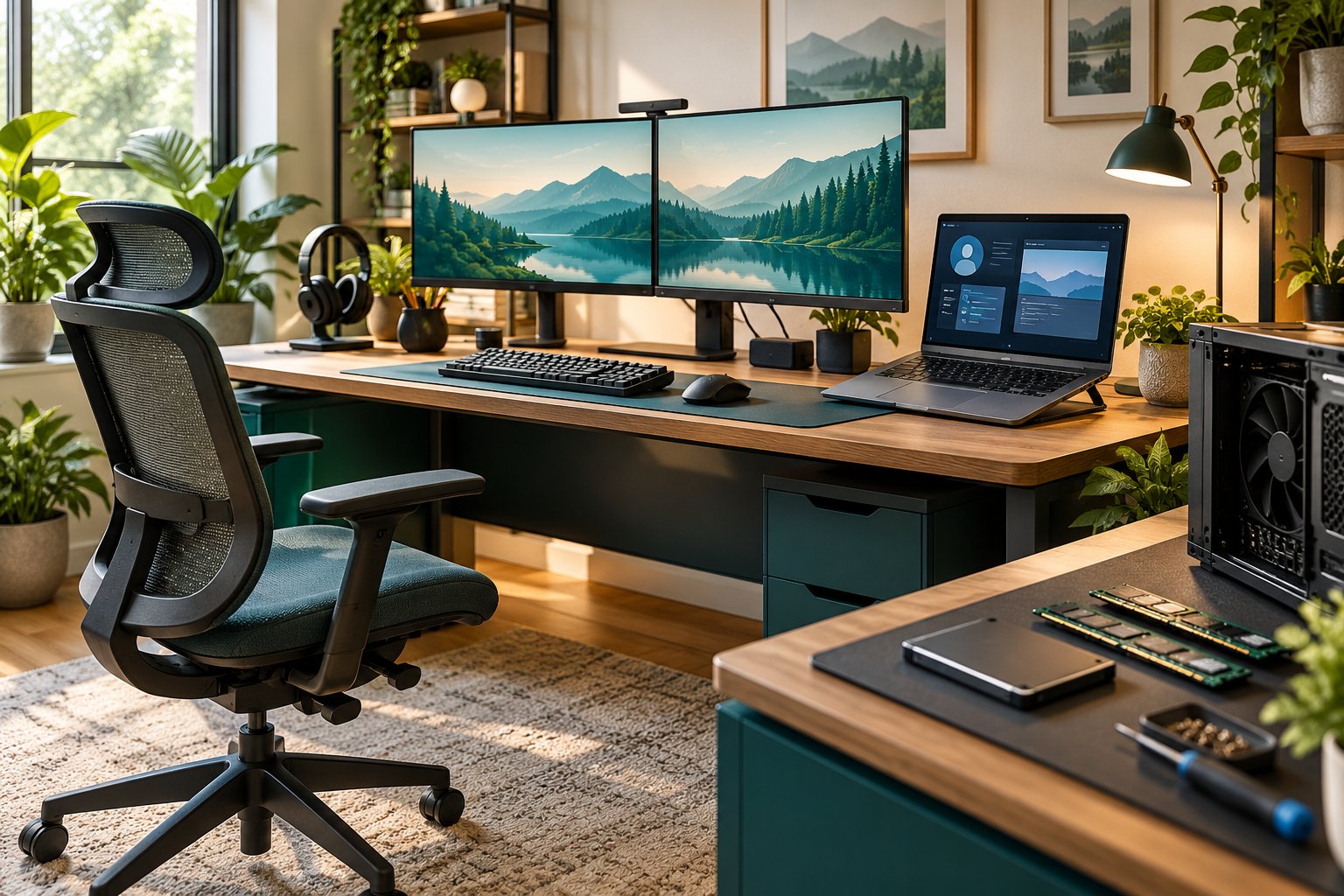
Illustrative dual-monitor workstation with a laptop, organized desk and computer upgrade components
Illustrative workstation concept. Your equipment and setup are selected for your needs and budget.
Assessment first. Custom quote.

A clear process
from the start.

  1. Assess your needs

    Describe your setup, what is not working and what you want to accomplish. Agree on the assessment scope and any assessment fee.

  2. Review the recommendation

    Coach Bell outlines the proposed work and equipment requirements, then provides a quote. Approve the scope and costs before proceeding.

  3. Arrange the work

    Confirm remote or on-site arrangements, timing and any follow-up support. Equipment purchases require your approval.

Pricing: Quoted after assessment. There is no fixed public hourly rate or standard project price on this page.

Before you inquire

A few useful answers.

What should I include in my request?

Your device or system type, the issue you are experiencing, what you want to improve, whether remote help is preferred and your availability. A brief description is enough to start.

Can every problem be fixed remotely?

No. Remote support depends on the issue, connectivity and authorized access. Coach Bell will discuss whether remote help, on-site work or another repair option is appropriate.

Will you help me choose equipment?

Yes. Equipment selection and workstation planning can be included in the agreed scope. Purchases and service charges are discussed before you commit.

How does my inquiry reach Coach Bell?

The inquiry page prepares an email addressed directly to Coach Bell. Send it from your email app to deliver it. The website currently does not automatically submit or save inquiries.

Tell Coach Bell what you need

Start with the problem.
Build a practical plan.

Describe your current setup and your goals. Coach Bell can then discuss the assessment and an appropriate approach.

Start an IT inquiry ↗